
Getting started
Your workspace
Navigate chats, speech, personas, projects, and settings.
Your workspace keeps creative work and billing together. Check its name when switching between personal and team work.
| Area | What you do there |
|---|---|
| Chat | Write, plan, and generate images, video, and audio |
| Text to Speech | Build a script from speaker blocks and render a voiceover |
| Models | Create and reuse personas with a consistent face |
| Projects | Keep related conversations, instructions, and references together |
| Skills | Save reusable guidance for Agent work |
| Settings | Manage your workspace, members, billing, connections, and API access |
Models in the sidebar means reusable personas. The model selector inside the composer chooses the AI engine for a generation.
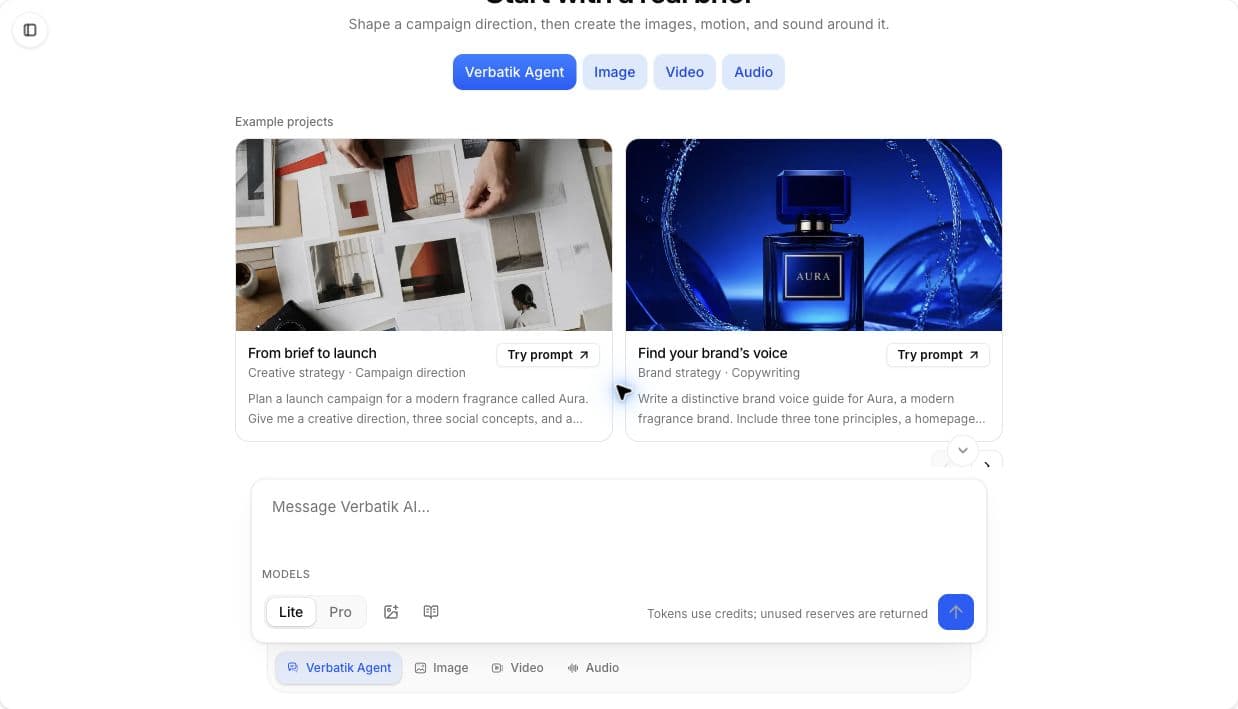
Start and revisit a chat
Create a new chat for a fresh brief. Choose the appropriate mode, select a model, and attach supported references. Use the chat history to reopen earlier conversations and their results.
Settings you will use
- Billing: plan, invoices, credit balance, and prepaid packs.
- Members: invitations, roles, and member credit caps.
- Developer: API keys and webhook endpoints.
- Skills: create, import, activate, or pause Agent instructions.
- Personalization: preferences used by the creative experience.
If something appears missing
Check the selected workspace and your role first. Generation also depends on available credits and supported model inputs. Old screenshots showing a separate tool for every format do not describe the current workspace.